Buy your plan
Compare available plans and select the right data amount for your trip.
No physical SIM and no surprise roaming fees. Choose, install and connect.
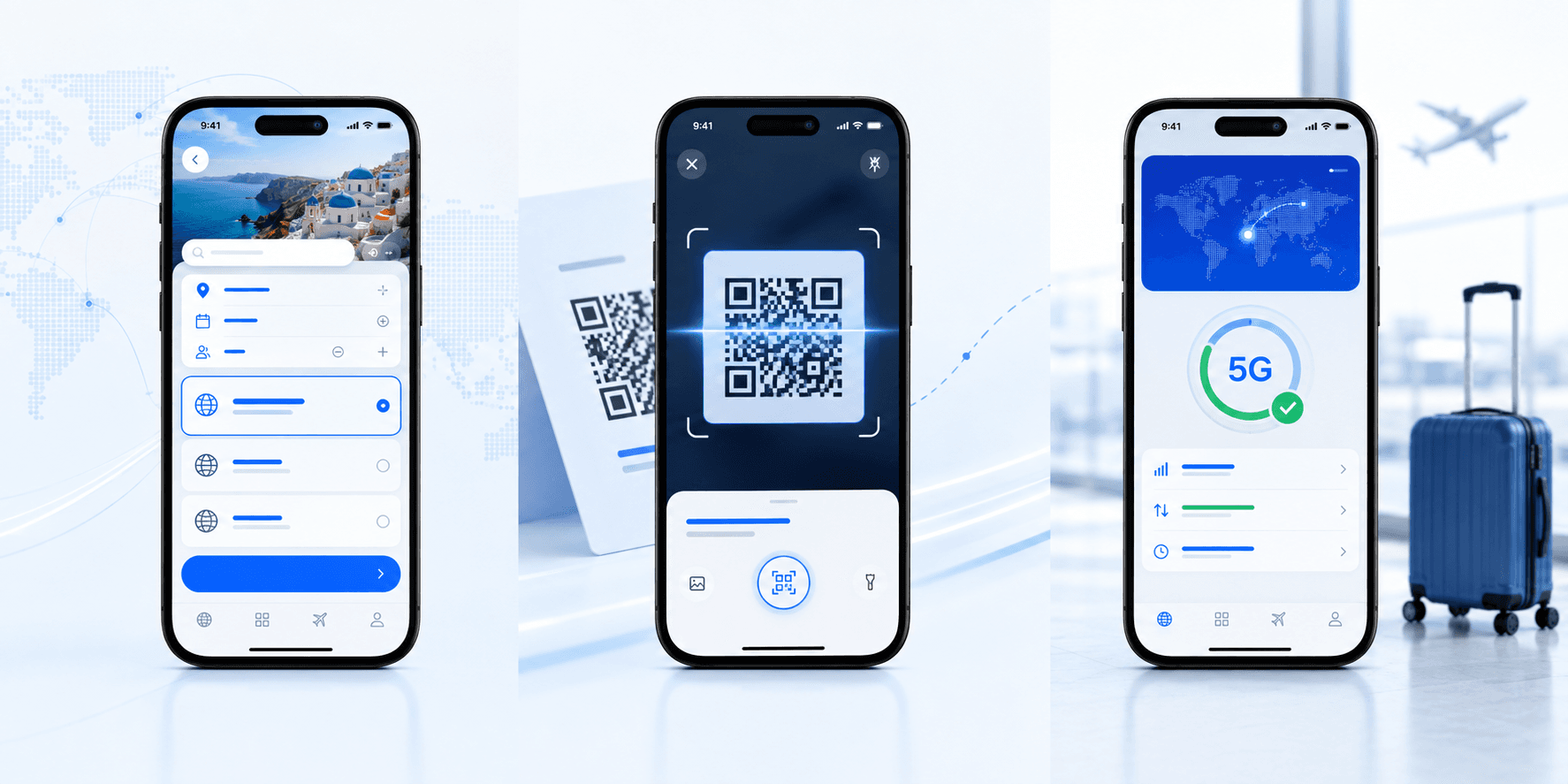
Compare available plans and select the right data amount for your trip.
After confirmation, your QR code and setup details appear in My eSIMs.
Scan the QR, add the eSIM and enable cellular data when you arrive.
Find an answer quickly or open the right guide.
Most recent iPhones, Google Pixel and Samsung Galaxy devices support eSIM. Your phone must also be unlocked.
Install it before departure over Wi-Fi, then enable mobile data when you arrive.
Keep it secure. Some profiles can only be installed once. Do not delete the eSIM while it is valid.